Welcome to the AjazMD User Guide
Although we have designed AjazMD to make everyday digital tasks simple, this user guide will help you understand how to use our online tools, process files, manage content, and get the best results.
AjazMD provides a collection of online tools designed for students, professionals, content creators, website owners, and everyday users. Explore our tools and follow the instructions below to get started.
PDF Tools
Use the Merge PDF tool to combine multiple PDF documents into one file. Select the PDF files from your device, arrange them in your preferred order, and start the merging process. Once processing is complete, download your combined PDF document.
Split PDF
The Split PDF tool helps you separate a PDF document into smaller files or selected pages, depending on the available options. Upload your PDF, choose the pages or range you want to extract, and process the document.
Compress PDF
Use Compress PDF to reduce the file size of supported PDF documents. Select your PDF file and start the compression process. The resulting file size may vary depending on the original document, images, fonts, and PDF structure.
Rotate PDF
The Rotate PDF tool allows you to change the orientation of PDF pages. Select your document, choose the pages you want to rotate, and apply the available rotation options. Download the updated PDF when processing is complete.
PDF to JPG
Convert supported PDF pages into JPG images. Select your PDF document, choose the available settings, and process the file to create image outputs.
JPG to PDF
Use JPG to PDF to turn supported image files into a PDF document. Select your images, arrange them in the preferred order, and create your PDF.
PDF Cropper
The PDF Cropper helps you remove unwanted margins or areas from PDF pages. Upload your document, adjust the cropping area, preview the changes, and download the processed file.
Image Tools
Image Compressor
Use the Image Compressor to reduce the file size of supported images. Select an image from your device, adjust the available compression settings, and process it. Download the compressed image after checking the result.
Image Resizer
The Image Resizer allows you to change image dimensions. Upload your image, enter your preferred width and height, and apply the available resizing options. Keep the original proportions when needed to avoid stretching.
Image Cropper
Use the Image Cropper to remove unwanted areas from an image. Select your image, adjust the crop area, preview the result, and save the cropped image.
Image Converter
The Image Converter helps you change images between supported formats. Select an image, choose the desired output format, and start the conversion. Available formats depend on the individual tool.
Online Calculators
Age Calculator
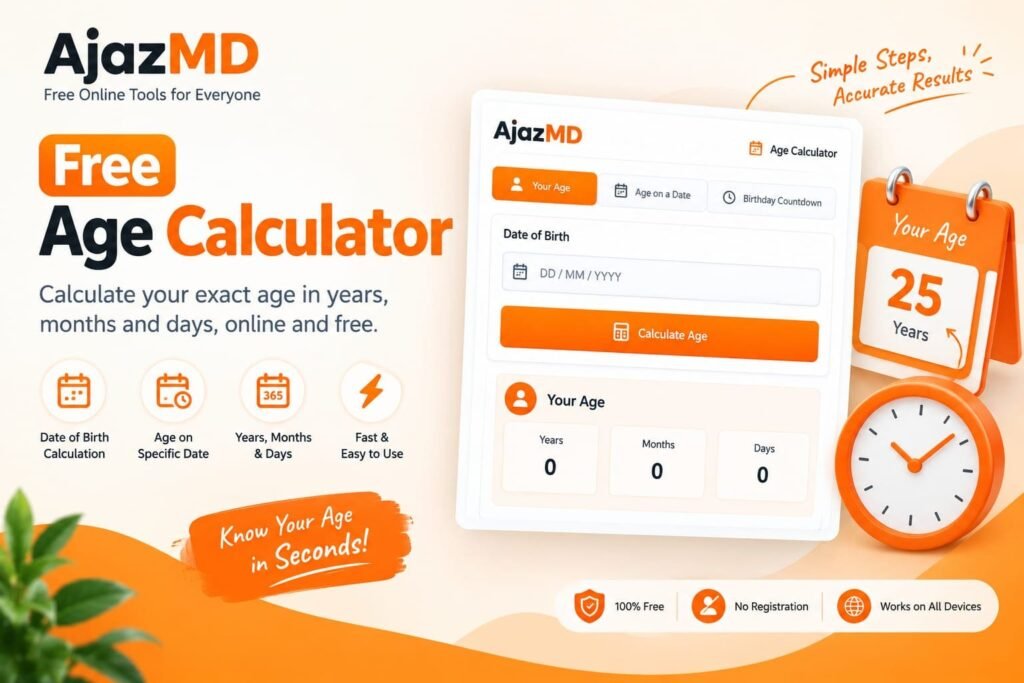
Use the Age Calculator to calculate your age based on your date of birth. Enter your birth date and view your age in years, months, and days, depending on the available results.
Height Comparison Tool
The Height Comparison Tool helps you visually compare different height measurements. Enter the required heights and review the visual comparison to understand the differences.
Other Calculator Tools
AjazMD may provide additional calculators for everyday mathematical, educational, and measurement-related tasks. Open the relevant calculator and follow the instructions displayed on its page.
Social Media Tools
Instagram Caption Generator
Use the Instagram Caption Generator to create caption ideas for your social media posts. Enter your topic or description and use the generated suggestions as a starting point.
Hashtag Generator
The Hashtag Generator helps you find relevant hashtag ideas for your content. Enter a keyword or topic and review the suggested hashtags before using them.
YouTube Title Generator
Use this tool to generate YouTube title ideas based on your video topic. Review the suggestions and select a title that accurately represents your video.
Fancy Text Generator
The Fancy Text Generator converts ordinary text into different decorative text styles. Copy the style you prefer and paste it into supported social media platforms.
SEO Tools
SEO Analysis Tools
AjazMD SEO utilities are designed to help users with selected website and content-related tasks. Open the relevant tool, provide the required information, and review the available results.
Plagiarism Checker
Use the Plagiarism Checker to review submitted text for possible similarities, if the selected checker supports this functionality. Paste your content, start the check, and carefully review the results.
Text Tools
Online Notepad
The Online Notepad allows you to write, edit, and organize notes directly in your browser. Enter your text in the editor and use the available options to manage your notes. Check the tool’s instructions for saving and storage functionality.
Word Counter
Use the Word Counter to count words and characters in your text. Paste or type your content into the input area and view the available counting results.
Tech Concepts
Selecting Files
Most file-processing tools allow you to select supported files directly from your device. Open the required tool, click the file selection button, and choose the files you want to process.
Always check the supported file formats, maximum file size, and file limits displayed on the relevant tool page.
Dragging and Dropping Files
Where supported, you can drag files from your computer and drop them into the tool’s upload area. You can also use the standard file selection option.
Arranging Files
Some tools allow you to arrange selected files before processing. If the tool provides drag-and-drop sorting, move the files into your preferred order before starting the operation.
Processing Files
After selecting your files, review the available settings and click the relevant action button, such as Compress, Convert, Merge, Split, or Rotate.
Processing time may depend on file size, document complexity, device performance, and browser capabilities.
Downloading Results
When processing is complete, use the download option provided by the tool to save your result. Check the downloaded file before closing the page.
We recommend keeping a backup of important original files.
Working on Mobile Devices
AjazMD is designed to be accessible through modern web browsers on desktops, laptops, tablets, and smartphones. Some tools may work differently depending on your device, screen size, browser, and available memory.
Browser Compatibility
For a better experience, use an updated version of a modern browser such as Google Chrome, Microsoft Edge, Mozilla Firefox, or Safari.
If a tool does not work correctly, try refreshing the page or opening it in another updated browser.
Uploading and Processing Speed
Large files, limited device memory, slow internet connections, and complex documents may affect processing speed.
Some tools may process files directly in your browser, while others may use different processing methods. Check the individual tool’s instructions to understand how it works.
Privacy and File Security
Different AjazMD tools may handle submitted files and information differently. Do not assume that all tools use the same processing or storage method.
Before submitting sensitive or confidential information, review the relevant tool instructions and our Privacy Policy.
Other Problems
If you experience a problem while using an AjazMD tool, try these steps:
- Refresh the webpage.
- Check your internet connection.
- Update your browser.
- Make sure your file format is supported.
- Check the file size and tool limitations.
- Try another modern browser.
- Contact us if the problem continues.
Feedback and Suggestions
We welcome feedback, suggestions, and reports about technical issues. Your feedback helps us improve the website and make our online tools more useful.
If you need assistance, please visit our Contact Us page.
Explore AjazMD
Thank you for using AjazMD. Explore our collection of online tools and discover useful ways to simplify your everyday digital tasks.
AjazMD – Free Online Tools for Everyone.